
Foundation First: Distro Choice and Graphics Drivers
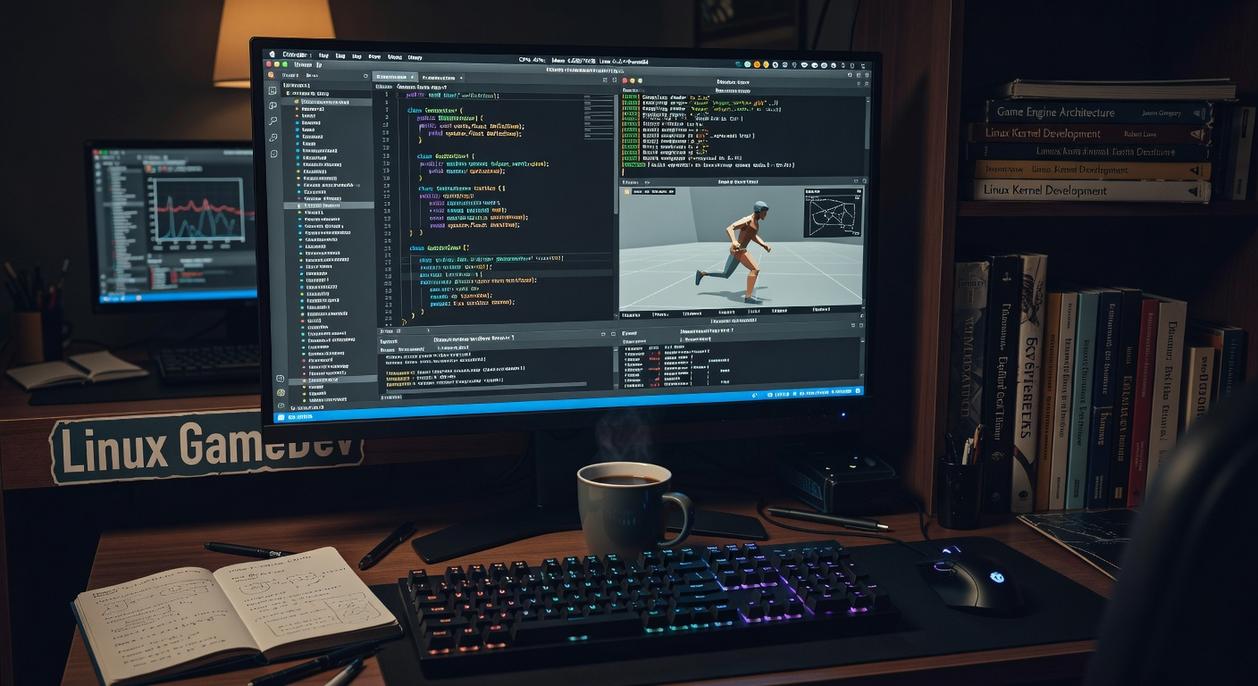
Before you touch an engine, nail your linux game dev environment setup. Your distro (short for distribution, a packaged version of the Linux kernel plus tools and software) determines how smooth—or painful—everything else feels.
1. Choosing Your Distribution
- Ubuntu / Pop!OS – Ideal for beginners. Broad driver support, massive documentation, and straightforward proprietary GPU installs. Pop!OS even streamlines NVIDIA setup out of the box (less terminal spelunking).
- Fedora – Ships newer packages and a polished GNOME desktop. If you want fresher kernels without going full bleeding-edge, Fedora balances stability and innovation well.
- Arch / Manjaro – Rolling-release (continuous updates instead of version jumps). Maximum control, minimal hand-holding. Great for custom toolchains—but expect to read the wiki (a lot).
Some argue Ubuntu-based systems are “too mainstream” for serious devs. But in production pipelines, predictability beats bragging rights. Stability reduces debugging time—especially when testing Vulkan builds.
2. Installing and Optimizing Graphics Drivers
NVIDIA: Install proprietary drivers for CUDA (parallel computing platform) and OptiX (ray-tracing API). On Ubuntu:
sudo ubuntu-drivers autoinstall- Reboot, verify with
nvidia-smi
AMD/Intel: Use open-source Mesa drivers (implementations of OpenGL and Vulkan). Update Mesa for best Vulkan support—new releases often improve frame pacing and shader compilation (see Mesa release notes).
For deeper tuning, review performance considerations for native linux game builds.
Pro tip: Always confirm Vulkan support with vulkaninfo before blaming your engine.
Your Linux Game Studio is Ready
You came here for a clear, step-by-step path to a complete linux game dev environment setup—and now you have it.
What once felt overwhelming—GPU drivers, package managers, dependencies, engines, and optimization tweaks—is no longer standing in your way. The confusion is gone. The trial-and-error frustration is behind you.
By moving from drivers to development tools to your engine of choice, you’ve built a stable, efficient, professional-grade workstation ready for serious production.
Now stop tweaking settings.
Start building.
Open your engine, launch your first scene, and bring your next game to life.