

Linux developers often struggle with game engines that feel like afterthoughts—unstable ports, missing features, or performance bottlenecks caused by compatibility layers. If you’re searching for a smoother, more native experience, this guide is for you. We break down why Godot stands out as a true first-class citizen on Linux, not just a workable option. From performance efficiency to streamlined workflows and seamless deployment, we’ll explore the godot engine linux features that make it a powerful match for open-source creators. Based on extensive hands-on development within Linux environments, this article highlights practical advantages that benefit both hobbyists and professional game developers.
Native by Design: Seamless Integration and Open-Source Synergy
Godot on Linux isn’t a workaround—it’s a first-class citizen. Unlike some engines that rely on compatibility layers like Wine or Proton (clever, but still layers), Godot is built with Linux as a primary platform. That means native performance, direct hardware access, and fewer strange edge-case bugs. In practical terms, your GPU drivers, Vulkan support, and input systems just work—no duct tape required.
It’s also impressively lean. The editor launches in seconds, even on modest hardware or minimalist distros. If you’re running Arch on a five-year-old laptop or Ubuntu on a compact dev box, Godot feels snappy. Lightweight here means minimal system overhead—more resources for your actual game.
Philosophically, it fits. Licensed under MIT, Godot reflects the same freedom-driven mindset that powers Linux itself. You can modify it, fork it, or contribute upstream (and many developers do). According to the Linux Foundation, open-source collaboration accelerates innovation through shared development models (Linux Foundation, 2023).
Installation? Simple:
- Flatpak for sandboxed stability
- Snap for cross-distro consistency
- apt or pacman for native repository installs
My recommendation: install via your native package manager for tighter system integration and explore godot engine linux features firsthand.
Pixel Perfect Performance: Mastering Vulkan and OpenGL
The Vulkan Advantage
First and foremost, if you’re developing on Linux, you should be using Vulkan in Godot 4. Vulkan is a low-level graphics API (Application Programming Interface, meaning it lets software talk directly to your GPU) designed to reduce overhead and maximize performance. In practical terms, that means better frame rates, smoother frame pacing, and access to advanced features like compute shaders and modern lighting pipelines.
Unlike older APIs that “babysit” the GPU, Vulkan gives developers more direct control. Yes, that means more responsibility—but also more power. Think of it like switching from automatic to manual transmission (more work, better performance when handled correctly). If you’re building visually ambitious projects on Linux, Vulkan isn’t optional—it’s the smart choice.
Mesa Driver Synergy
Just as importantly, Linux users benefit from Mesa, the open-source graphics driver stack. Because Mesa evolves rapidly, new GPU features and optimizations often land quickly—sometimes with day-one support for hardware updates. This tight feedback loop between engine and driver means performance gains aren’t theoretical; they show up in real-world benchmarks.
So, what should you do? Regularly update your Mesa drivers. On most distributions, that’s as simple as keeping your system up to date. Pro tip: bleeding-edge distros often receive Vulkan improvements faster.
OpenGL Compatibility
However, Vulkan isn’t the only path. Godot also includes a robust OpenGL 3.3 / OpenGL ES 3.0 renderer. This ensures compatibility with older GPUs and web exports. If you’re targeting low-end hardware, OpenGL remains a reliable fallback.
Finally, in Project Settings, confirm Vulkan is selected as your rendering backend. Combine that with updated drivers and thoughtful use of godot engine linux features, and you’ll squeeze every frame out of your system.
A Workflow Built for Power Users
The All-in-One Editor That Actually Feels Unified
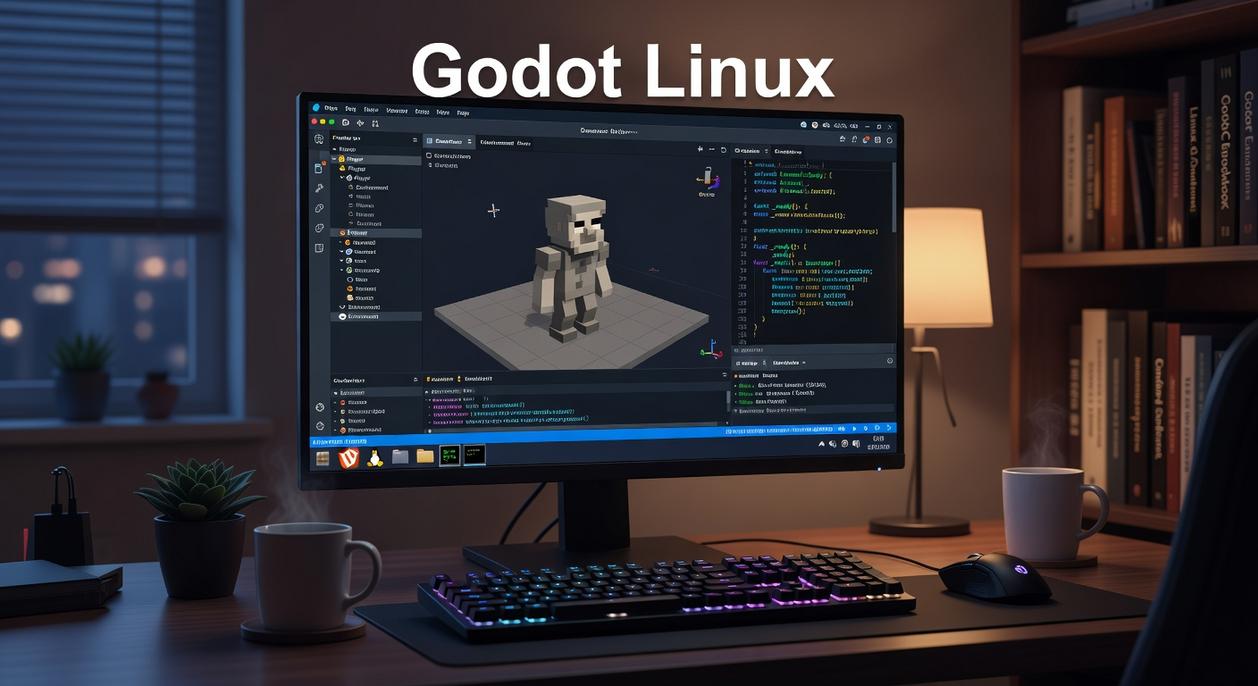
First, let’s talk about integration. Godot’s editor isn’t a patchwork of bolted-on tools—it’s a tightly connected environment where the script editor, debugger, profiler, and asset manager work together out of the box on Linux. That means fewer plugins, fewer compatibility headaches, and more time building. For power users, this translates directly into speed: edit a script, hit play, inspect performance, fix bottlenecks—all without leaving the editor. (Alt-tabbing between five tools is not a productivity strategy.)
Some developers argue that specialized third-party tools are more powerful. And sometimes that’s true. However, having everything unified reduces friction, which studies show can significantly improve developer efficiency and focus (McKinsey, 2020). The benefit? Faster iteration and fewer workflow breaks.
GDScript and C#: Flexible by Design
GDScript offers a Python-like syntax—meaning it’s readable, lightweight, and quick to master. If you’ve ever written Python, you’ll feel at home almost immediately. On the other hand, native C# support via .NET integrates smoothly with Linux setups and tools like VS Code. So whether you prefer rapid scripting or structured, enterprise-style development, you win either way.
Command-Line Power for Automation
Meanwhile, Godot’s command-line interface allows headless exporting, automated testing, and scripted builds. This is a huge advantage for Linux-based CI/CD pipelines. In practical terms, you can automate releases overnight instead of babysitting builds.
Version Control Harmony
Finally, text-based .tscn scene files work beautifully with Git. Clean diffs, fewer merge conflicts, and better collaboration come standard. It’s one reason many developers exploring open source game engines that support linux natively appreciate godot engine linux features so much.
Build on Linux, Deploy Everywhere
Have you ever wondered why developers cling to one operating system when their games must run on five others? With Godot’s one-click export templates, you can compile for Windows, macOS, Android, iOS, and the Web without leaving Linux. Sound convenient?
Better, native Linux builds and modern formats like AppImages and Flatpaks make sharing effortless. Thanks to godot engine linux features, you can also create a headless server build—perfect for scalable multiplayer hosting.
So, why juggle machines when you can 1. Build once, 2. Export everywhere, 3. Host reliably on Linux servers? Think about time saved.
The Definitive Engine for Open-Source Development
You came here to see whether godot engine linux features truly deliver more than basic compatibility. Now you know they offer a deeply integrated, high-performance development experience built specifically with Linux users in mind.
No more compromises. No more choosing between your preferred operating system and a powerful, fully featured engine. Godot’s native performance, open-source foundation, and seamless Linux workflow eliminate that frustration for good.
The next step is simple: download Godot directly from your distribution’s software center and start building today. Experience the performance firsthand and see why so many Linux developers are making the switch. Your ideal development setup is already waiting.

 Kenneth Lesheradero is the kind of writer who genuinely cannot publish something without checking it twice. Maybe three times. They came to game optimization tips through years of hands-on work rather than theory, which means the things they writes about — Game Optimization Tips, Hot Topics in Gaming, Expert Breakdowns, among other areas — are things they has actually tested, questioned, and revised opinions on more than once.
That shows in the work. Kenneth's pieces tend to go a level deeper than most. Not in a way that becomes unreadable, but in a way that makes you realize you'd been missing something important. They has a habit of finding the detail that everybody else glosses over and making it the center of the story — which sounds simple, but takes a rare combination of curiosity and patience to pull off consistently. The writing never feels rushed. It feels like someone who sat with the subject long enough to actually understand it.
Outside of specific topics, what Kenneth cares about most is whether the reader walks away with something useful. Not impressed. Not entertained. Useful. That's a harder bar to clear than it sounds, and they clears it more often than not — which is why readers tend to remember Kenneth's articles long after they've forgotten the headline.
Kenneth Lesheradero is the kind of writer who genuinely cannot publish something without checking it twice. Maybe three times. They came to game optimization tips through years of hands-on work rather than theory, which means the things they writes about — Game Optimization Tips, Hot Topics in Gaming, Expert Breakdowns, among other areas — are things they has actually tested, questioned, and revised opinions on more than once.
That shows in the work. Kenneth's pieces tend to go a level deeper than most. Not in a way that becomes unreadable, but in a way that makes you realize you'd been missing something important. They has a habit of finding the detail that everybody else glosses over and making it the center of the story — which sounds simple, but takes a rare combination of curiosity and patience to pull off consistently. The writing never feels rushed. It feels like someone who sat with the subject long enough to actually understand it.
Outside of specific topics, what Kenneth cares about most is whether the reader walks away with something useful. Not impressed. Not entertained. Useful. That's a harder bar to clear than it sounds, and they clears it more often than not — which is why readers tend to remember Kenneth's articles long after they've forgotten the headline.