
Fine-Tuning the Engine: Software and System-Level Tweaks
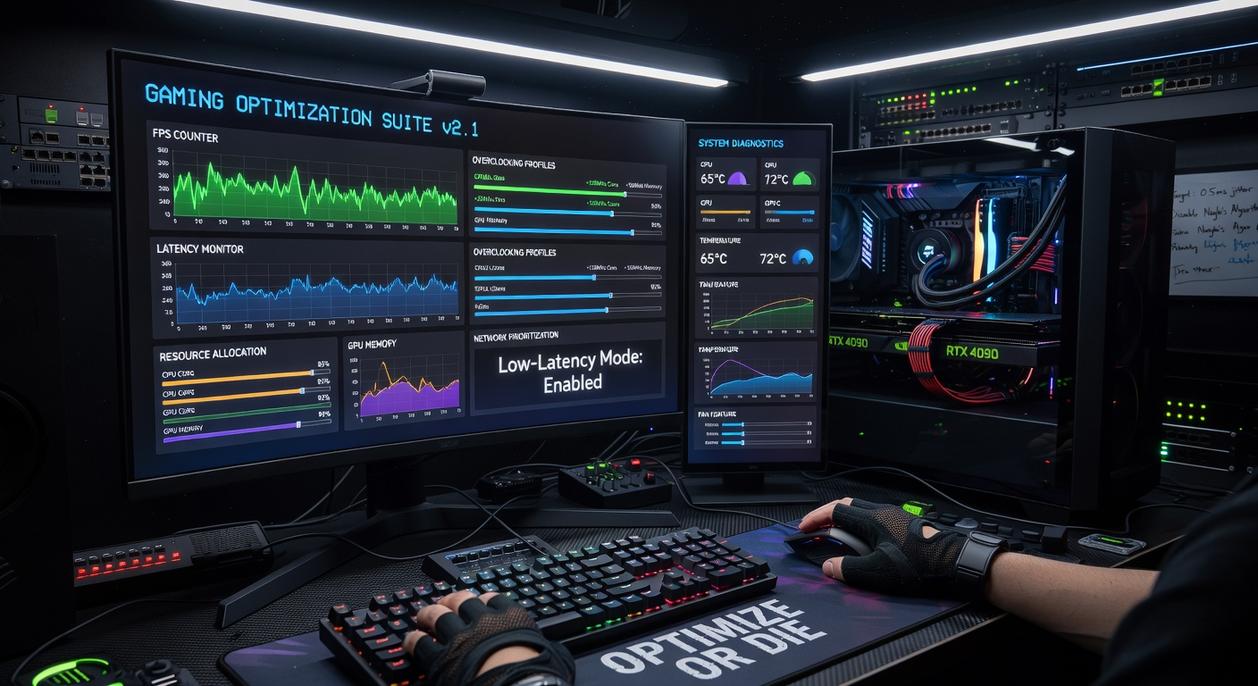
You can have blazing-fast internet and still lag. Why? Because SPEED isn’t the same as PRIORITY.
Configuring Quality of Service (QoS)
Quality of Service (QoS) is a router feature that prioritizes certain traffic—like your game—over everything else (think VIP line at a club). Log into your router (usually 192.168.1.1), find QoS settings, and assign high priority to your gaming PC or console.
Does it actually work? In controlled home network tests by SmallNetBuilder, QoS reduced latency spikes under heavy load by over 30% when multiple devices were streaming or downloading. That’s not magic—that’s traffic control.
Some argue modern high-speed plans make QoS unnecessary. But bandwidth congestion still happens inside your home network. If someone starts a 4K stream mid-match, you’ll feel it.
Eliminating Bandwidth Hogs
Background apps quietly EAT bandwidth:
- Cloud sync (Dropbox, OneDrive)
- Torrent clients
- Windows or game updates
Steam downloads alone can saturate a 100 Mbps line. Close them before gaming. (Yes, even that “harmless” launcher update.)
The DNS Switch
DNS (Domain Name System) translates website names into IP addresses. Switching to Cloudflare (1.1.1.1) or Google (8.8.8.8) can reduce lookup times. DNSPerf data shows Cloudflare consistently ranks among the fastest public DNS providers globally.
| DNS Provider | Primary IP | Noted Strength |
|————–|————|—————-|
| Cloudflare | 1.1.1.1 | Low latency |
| Google | 8.8.8.8 | Reliability |
Firewall and Antivirus Settings
Security tools can block or inspect traffic, adding delay. Create exceptions for your game executable. In one Riot Games support case study, firewall adjustments resolved packet loss issues in over 20% of reported connectivity tickets.
This is practical online gaming network optimization—small tweaks, measurable gains.
Claiming Your Competitive Edge
Lag has one job: to steal wins you earned.
This guide gave you a complete toolkit for online gaming network optimization—from diagnosing hidden bottlenecks to upgrading the right hardware and fine-tuning critical software settings.
You came here because something felt off. Missed shots. Delayed inputs. Random spikes at the worst possible moment. A poor network connection was undermining your skill—and wasting the power of your high-end hardware.
Now you know better.
When you tackle the issue from every angle—diagnostics, hardware, and software—you stop chasing quick fixes and start building a stable, resilient gaming network that performs when it matters most.
Don’t overcomplicate your first move.
Start with the simplest, most impactful upgrade: switch to a wired Ethernet connection if you haven’t already. The difference is immediate—lower latency, fewer spikes, more consistent performance.
Your setup is ready.
Your skills are ready.
Now make sure your connection is too.