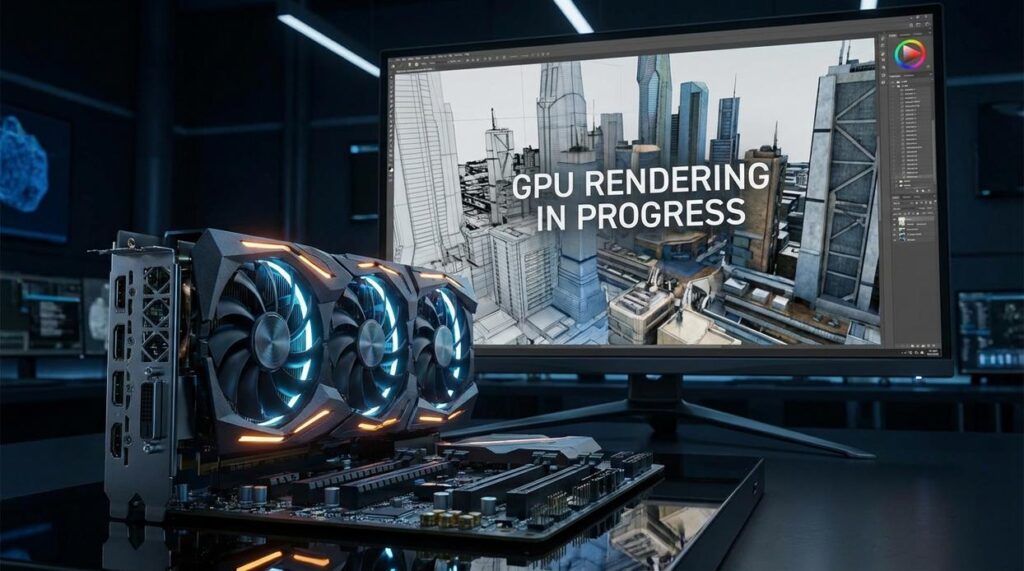
The Assembly Line: An Overview of the GPU Rendering Pipeline

Think of your GPU as a hyper-specialized factory. Instead of building cars, it builds frames—often 60 to 240 times per second depending on your setup (and yes, your graphics card definitely feels the pressure). This graphics rendering pipeline explained simply is the step-by-step process that turns raw 3D data into the images you see on screen.
Stage 1: Vertex Shading
Everything begins with vertices—points in 3D space that form triangles (the basic building blocks of 3D models). In this stage, the GPU calculates each vertex’s position relative to the camera using mathematical transformations. According to NVIDIA’s developer documentation, modern GPUs can process billions of vertices per second, enabling vast open worlds without stutter. Real-world example: when you rotate your character in a game, vertex shaders instantly reposition every visible object from your new perspective.
Stage 2: Geometry & Tessellation
Here’s where optimization shines. Tessellation subdivides models into finer detail when viewed up close and simplifies them at a distance. This technique reduces workload while preserving realism. AMD benchmarks show tessellation can significantly improve surface realism without proportional performance loss. (That rocky cliff looks rugged up close—but it’s surprisingly simple from afar.)
Stage 3: Rasterization
The “aha” moment. The GPU converts 3D triangles into 2D pixels in a grid. This process determines which pixels light up and which stay dark. Without rasterization, your epic 3D dragon would remain invisible math floating in digital space.
Understanding Your Graphics Settings
You set out to finally make sense of what all those graphics options actually do—and now you have it. From the CPU issuing commands to the GPU delivering a polished frame, you understand how the entire graphics rendering pipeline explained comes together to create what you see on screen.
Those once-confusing sliders—shadows, textures, anti-aliasing, post-processing—aren’t random anymore. You now know which stage they affect: Blueprint, Assembly Line, Painting, or Polishing. That clarity removes the frustration of guessing and hoping for better performance.
By breaking the process into simple stages, complex rendering becomes manageable. And that’s powerful.
Now it’s your move. Use this knowledge to fine-tune your settings intelligently. Balance visual fidelity with smooth performance and eliminate stutter for good. Start optimizing today and turn your system into the gaming experience it was meant to deliver.