
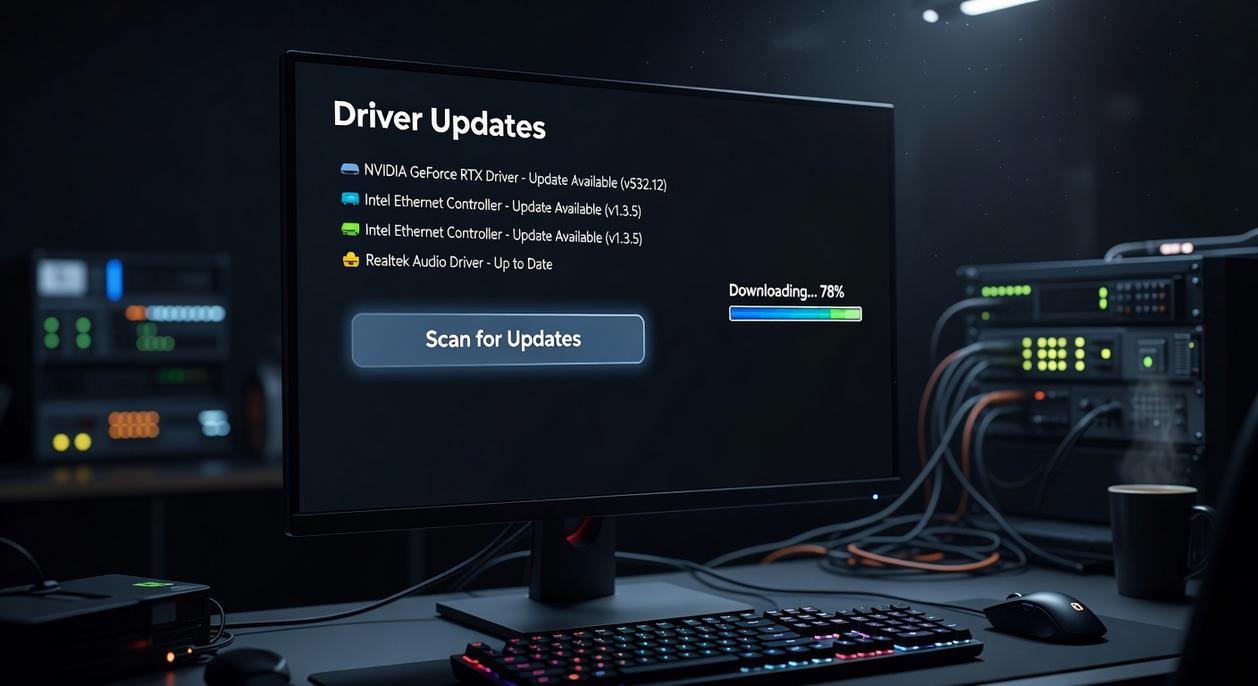
The Foundation: Up-to-Date Kernel and Graphics Drivers
When optimizing for performance in native Linux game builds, it’s essential to consider not only the hardware capabilities but also how various software elements, like the Clienage9 Apk, can impact overall efficiency and user experience.
If you tweak every in-game setting but ignore your kernel and GPU drivers, you’re basically tuning a race car with flat tires. The Linux kernel (the core program that manages hardware and system resources) and graphics drivers (software that lets your GPU talk to games and APIs like Vulkan) are the critical bridge between hardware and software. Get this wrong, and native linux game performance suffers—no matter how powerful your GPU is.
Some argue stock kernels are “good enough.” And for general use? Sure. But gaming stresses CPU scheduling and I/O latency in ways desktop workloads don’t. Gaming-oriented kernels like XanMod or Liquorix apply patches that improve responsiveness and reduce latency (similar in spirit to PREEMPT enhancements documented in kernel.org’s scheduler notes).
Debian/Ubuntu (Liquorix):
sudo add-apt-repository ppa:damentz/liquorix
sudo apt update && sudo apt install linux-image-liquorix-amd64
Arch (XanMod via AUR):
yay -S linux-xanmod
NVIDIA: Proprietary Done Right
For NVIDIA users, install drivers from official repositories—not the .run file from NVIDIA’s site (it can break during kernel updates). On Ubuntu:
sudo ubuntu-drivers autoinstall
In NVIDIA X Server Settings, set PowerMizer to “Prefer Maximum Performance.” (Yes, it uses more power. That’s the point.)
AMD & Intel: Mesa Matters
AMD and Intel rely on Mesa (open-source graphics drivers integrated with the kernel). Keep Mesa, Vulkan RADV, and LLVM updated. Since Mesa 20.2, the ACO shader compiler (Valve-backed) has been default for RADV, improving frame pacing and shader compilation times (Mesa release notes).
Pro tip: Track Mesa’s GitLab changelogs—minor point releases often include game-specific optimizations competitors rarely mention.
Your Optimized Linux Gaming Machine Awaits
You came here looking for a real fix—not vague advice—for improving native linux game performance and eliminating the stutter, frame drops, and inconsistent FPS that ruin immersion. Now you have a clear, actionable roadmap to make it happen.
By moving beyond default settings and taking control of your system, you can finally break past the limitations holding your setup back. An updated kernel, the correct GPU drivers, Proton-GE, Gamemode, and a few smart system tweaks work together to transform your machine into a truly competitive gaming environment.
Don’t let poor performance define your experience any longer. Start with the first step—update your drivers and kernel—then follow the guide to unlock your system’s full potential today.

 There is a specific skill involved in explaining something clearly — one that is completely separate from actually knowing the subject. Rendric Xelvaris has both. They has spent years working with console vs pc debates in a hands-on capacity, and an equal amount of time figuring out how to translate that experience into writing that people with different backgrounds can actually absorb and use.
Rendric tends to approach complex subjects — Console vs PC Debates, Linux-Compatible Game Engines, Expert Breakdowns being good examples — by starting with what the reader already knows, then building outward from there rather than dropping them in the deep end. It sounds like a small thing. In practice it makes a significant difference in whether someone finishes the article or abandons it halfway through. They is also good at knowing when to stop — a surprisingly underrated skill. Some writers bury useful information under so many caveats and qualifications that the point disappears. Rendric knows where the point is and gets there without too many detours.
The practical effect of all this is that people who read Rendric's work tend to come away actually capable of doing something with it. Not just vaguely informed — actually capable. For a writer working in console vs pc debates, that is probably the best possible outcome, and it's the standard Rendric holds they's own work to.
There is a specific skill involved in explaining something clearly — one that is completely separate from actually knowing the subject. Rendric Xelvaris has both. They has spent years working with console vs pc debates in a hands-on capacity, and an equal amount of time figuring out how to translate that experience into writing that people with different backgrounds can actually absorb and use.
Rendric tends to approach complex subjects — Console vs PC Debates, Linux-Compatible Game Engines, Expert Breakdowns being good examples — by starting with what the reader already knows, then building outward from there rather than dropping them in the deep end. It sounds like a small thing. In practice it makes a significant difference in whether someone finishes the article or abandons it halfway through. They is also good at knowing when to stop — a surprisingly underrated skill. Some writers bury useful information under so many caveats and qualifications that the point disappears. Rendric knows where the point is and gets there without too many detours.
The practical effect of all this is that people who read Rendric's work tend to come away actually capable of doing something with it. Not just vaguely informed — actually capable. For a writer working in console vs pc debates, that is probably the best possible outcome, and it's the standard Rendric holds they's own work to.