

Choosing the right engine can make or break your workflow—especially on Linux.
If you’re developing on a Linux desktop, you’re probably wondering which engine will give you fewer headaches, better performance, and a smoother overall experience. The unity vs godot linux comparison isn’t just about features on paper—it’s about real-world stability, export reliability, editor performance, and how well each engine respects the Linux environment.
We’ve put both engines through extensive hands-on testing across multiple Linux distributions, focusing on practical development challenges, toolchain integration, and day-to-day usability.
In this article, we’ll break down exactly which engine stands out in 2024—and which one truly deserves a place in your Linux-based workflow.
Core Development: C# vs. GDScript and Engine Architecture
As we explore the key differences between Unity and Godot on Linux, it’s essential to consider how each engine handles input responsiveness, which brings us to our article on reducing input lag for smoother gameplay – for more details, check out our Reducing Input Lag: Practical Steps for Smoother Gameplay.
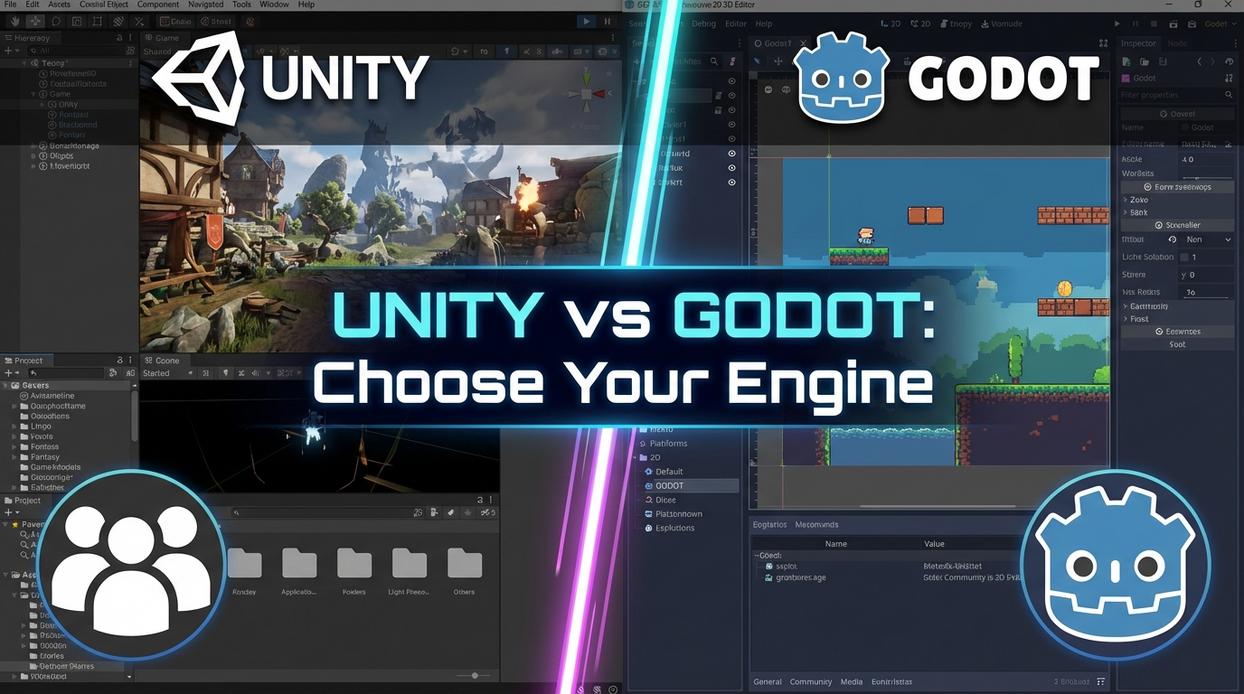
Choosing between Unity and Godot often starts with language. Unity revolves around C#, a statically typed, object-oriented language (meaning you define strict data types before runtime). It integrates seamlessly with VS Code or Rider on Linux, offering mature debugging and profiling tools. Godot’s default, GDScript, is dynamically typed and tightly integrated into the editor (think Python’s simplicity, but purpose-built for games). Beginners often find GDScript faster to grasp. Experienced programmers, however, may prefer C#’s structure and scalability.
Counterargument: some developers claim Unity’s tooling makes it universally more productive. That’s fair—especially for large teams. But Godot’s lightweight workflow reduces setup friction (no external IDE required), which can accelerate solo or indie work. Pro tip: before diving deep, focus on setting up a linux game development environment step by step to avoid dependency headaches later.
2D and 3D Workflows on Linux
Godot’s dedicated 2D pipeline renders sprites separately from 3D, improving clarity and pixel precision. Unity’s 2D tools are flexible but layered atop its 3D system. For pixel art, Godot often feels more intuitive. Unity shines with complex toolchains and asset store integrations.
In 3D, Unity’s HDRP delivers cinematic lighting, while Godot 4’s Vulkan-first renderer emphasizes modern API efficiency on Linux. Prediction: Godot’s Vulkan optimization may narrow the high-fidelity gap within a few release cycles.
Architecturally, Unity uses a component-based model (attach behaviors to objects). Godot uses a node tree (objects organized hierarchically). The unity vs godot linux comparison ultimately comes down to philosophy: modular composition versus structural clarity.
The Right Engine for Your Linux Project
You came here for a clear unity vs godot linux comparison—and now you’ve seen how they stack up where it counts: setup, performance, workflow, and cost.
On Linux, your engine choice isn’t just a preference. It can either streamline your development process or trap you in platform-specific headaches that slow progress and drain momentum.
Here’s the bottom line.
Godot stands out for its native Linux feel, smooth installation, open-source flexibility, and especially strong 2D workflow. Unity, on the other hand, still leads with its mature 3D pipeline and massive Asset Store—though it may require extra patience to get everything running perfectly on Linux.
So what should you do next?
Choose Godot if you want a seamless, lightweight Linux experience—particularly for 2D projects. Choose Unity if your vision depends on advanced 3D tools or specific Asset Store assets and you’re prepared to handle potential setup friction.
Make the decision that removes roadblocks—not adds them—and start building with confidence today.

 There is a specific skill involved in explaining something clearly — one that is completely separate from actually knowing the subject. Rendric Xelvaris has both. They has spent years working with console vs pc debates in a hands-on capacity, and an equal amount of time figuring out how to translate that experience into writing that people with different backgrounds can actually absorb and use.
Rendric tends to approach complex subjects — Console vs PC Debates, Linux-Compatible Game Engines, Expert Breakdowns being good examples — by starting with what the reader already knows, then building outward from there rather than dropping them in the deep end. It sounds like a small thing. In practice it makes a significant difference in whether someone finishes the article or abandons it halfway through. They is also good at knowing when to stop — a surprisingly underrated skill. Some writers bury useful information under so many caveats and qualifications that the point disappears. Rendric knows where the point is and gets there without too many detours.
The practical effect of all this is that people who read Rendric's work tend to come away actually capable of doing something with it. Not just vaguely informed — actually capable. For a writer working in console vs pc debates, that is probably the best possible outcome, and it's the standard Rendric holds they's own work to.
There is a specific skill involved in explaining something clearly — one that is completely separate from actually knowing the subject. Rendric Xelvaris has both. They has spent years working with console vs pc debates in a hands-on capacity, and an equal amount of time figuring out how to translate that experience into writing that people with different backgrounds can actually absorb and use.
Rendric tends to approach complex subjects — Console vs PC Debates, Linux-Compatible Game Engines, Expert Breakdowns being good examples — by starting with what the reader already knows, then building outward from there rather than dropping them in the deep end. It sounds like a small thing. In practice it makes a significant difference in whether someone finishes the article or abandons it halfway through. They is also good at knowing when to stop — a surprisingly underrated skill. Some writers bury useful information under so many caveats and qualifications that the point disappears. Rendric knows where the point is and gets there without too many detours.
The practical effect of all this is that people who read Rendric's work tend to come away actually capable of doing something with it. Not just vaguely informed — actually capable. For a writer working in console vs pc debates, that is probably the best possible outcome, and it's the standard Rendric holds they's own work to.