

Ever feel like diving into PC gaming but get scared off by the price tags and bewildering specs? You’re not alone. Building a gaming PC can seem like a beast, but it’s not as daunting as it looks.
I’ve spent years building, testing, and optimizing rigs to squeeze the most performance per dollar. And I’m here to help you do the same.
This guide is all about crafting affordable gaming setups that won’t empty your wallet. It’s possible to game hard without spending hard. We’ll break down components, share build examples across budgets, and throw in pro tips to save even more cash.
By the end, you’ll have a clear roadmap to creating a solid, budget-friendly gaming machine. Get ready to demystify the process and achieve your gaming dreams without breaking the bank.
The Smart Saver’s Mindset: Where to Spend and Where to Scrimp
Building on a budget isn’t about grabbing the cheapest parts. It’s about getting the best value. You know, those parts that stretch a dollar and give you more bang for your buck.
Does that mean skimping on everything? Absolutely not. You just have to be smart about where to save and where to invest.
Where You Can Safely Save Money
First off, last-gen CPUs. They’re not old news, they’re just seasoned. Take AMD’s AM4 platform, for instance.
It’s like buying last season’s fashion at a discount. And don’t overlook motherboard bundles. You can catch some great deals if you time it right.
Now, cases. You don’t need that flashy RGB monstrosity. A simple case gets the job done (and saves you cash).
Start with a smaller NVMe SSD. It’s fast and doesn’t cost an arm and a leg. Plus, you can expand later.
Where You Should Invest a Little More
When it comes to the Power Supply Unit (PSU), don’t be cheap. Think of it as the heart of your PC. A quality PSU is key, ensuring stability and safety.
And then there’s the Graphics Card (GPU). It’s the showstopper for gaming performance, deserving a significant portion of your budget. You’ll notice the difference.
Trust me.
If you need more on creating an ergonomic setup, check out top 5 gaming desks ergonomic setup. It covers everything from desks to chairs, making your affordable gaming setups not just functional but comfortable too.
Core of Your Rig: Finding the Best Value CPU & GPU
to the heart of affordable gaming setups. Two components that matter most: CPU and GPU. You can skimp on RGB lights, but don’t cut corners here.
Best Budget CPUs for Gaming in 2023
First up, the AMD Ryzen 5 5600. It’s got enough cores to handle modern games like a champ. Plus, its single-thread performance keeps your frame rates smooth.
Bonus: it comes with a pretty decent stock cooler. Not a bad deal, right?
Then there’s the Intel Core i3-12100F. Sounds modest, but don’t be fooled. It punches above its weight with solid gaming performance.
Perfect if you’re pinching pennies but still want to play the latest titles without hiccups.
Unlocking Gaming Power: Your GPU Sweet Spot
Now, onto GPUs. For a wallet-friendly pick, consider the AMD RX 6600. It’s great for 1080p gaming, letting you hit high settings in esports titles and medium-to-high in AAA games.
Want another contender? The Intel Arc A750. It’s often overlooked, but it can deliver impressive performance for its price.
But what about used GPUs? The market’s a minefield, I know. Stick with the likes of NVIDIA’s RTX 20-series or the 3060 if you’re daring.
Check seller reviews before handing over cash. Ask for benchmarks because, honestly, why wouldn’t you? And always use secure payment methods.
Those horror stories aren’t just urban legends.
Thinking about setting up your space? A little inspiration never hurts. Check out some gaming room ideas to get those creative juices flowing.
After all, a killer setup deserves a proper throne.
In the end, building your gaming rig is all about balancing performance and price. And the right CPU and GPU combo will have you gaming without regrets.
Actionable Blueprints: Gaming PC Builds for Every Player
When it comes to piecing together affordable gaming setups, the details can feel overwhelming. I’ve spent countless nights sifting through parts, prices, and compatibility issues. This guide removes the guesswork.
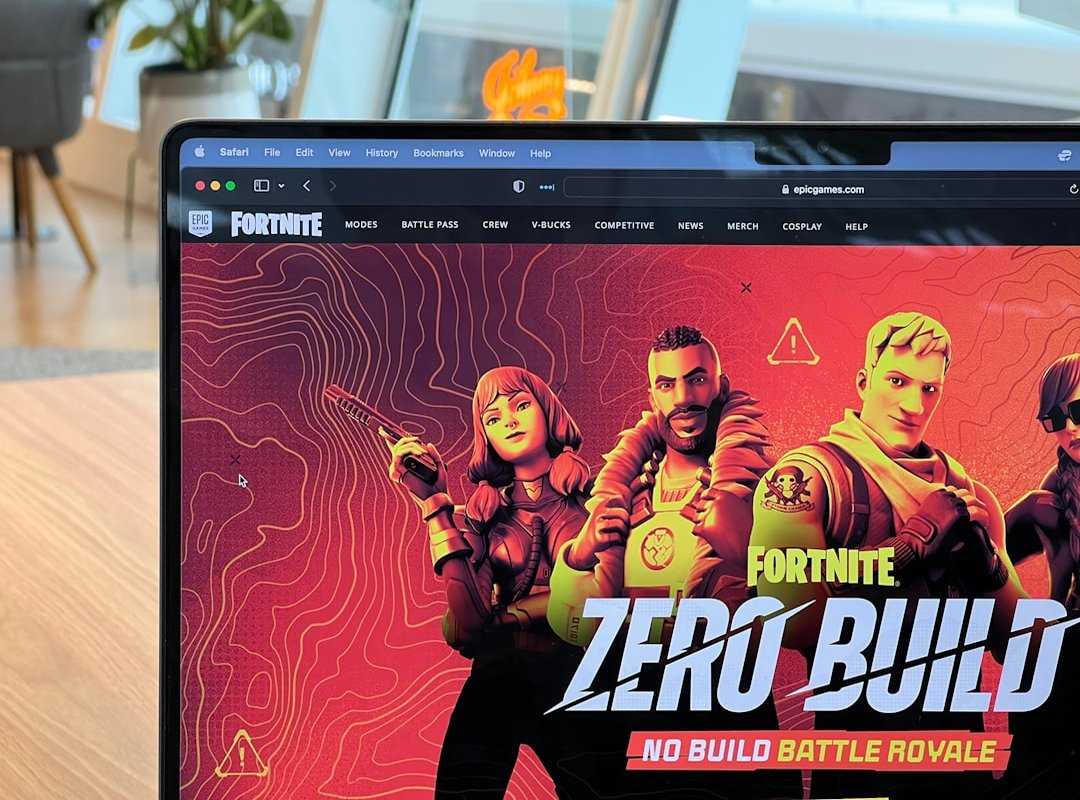
You get complete, ready-to-buy parts lists using current market prices as a general guide (no more hours lost in a specs rabbit hole).
The Esports Starter: A Solid ~$500 Build
This is where the journey begins. The CPU is an AMD Ryzen 5 5600G. It’s a gem at this price point, offering integrated graphics that give you a solid start.
Motherboard? MSI B450M Pro-VDH Max. Trust me, it gets the job done.
For RAM, we’re looking at 16GB DDR4 3200MHz. Storage is key, so a 500GB NVMe SSD is perfect for speed. The GPU is the Nvidia GTX 1650.
It’s a workhorse for 1080p gaming in titles like Valorant, CS:GO, and Fortnite at high frame rates. Add in a sleek Cooler Master Q300L for the case and a reliable 500W PSU.
The 1080p Champion: The ~$750 Sweet Spot
This is the gold standard for budget PC gaming. You start with the AMD Ryzen 5 5600X CPU. For the motherboard, the ASUS TUF B450-PLUS Gaming is a solid pick.
RAM should be a snappy 16GB DDR4 3600MHz. Storage is a 1TB NVMe SSD (you need more space for those AAA titles). The GPU?
A must-have is the Nvidia GTX 1660 Super. This setup is made to run modern AAA titles at 1080p, 60 FPS on high settings. The case is a Corsair Carbide SPEC-05, and the PSU is a 600W unit to handle the load.
The Future-Proof Value Build: ~$900 With an Upgrade Path
Now, let’s look ahead. The CPU is the AMD Ryzen 7 5700G. Pair it with a motherboard like the MSI MAG B550 TOMAHAWK, which offers room to grow.
RAM is 16GB DDR4 4000MHz. Storage is a 1TB NVMe SSD. The GPU is the Nvidia RTX 3060, which is fantastic now and ready for future demands.
Choose the NZXT H510 case (it’s stylish), and a 700W PSU ensures you’re set for upgrades.
Don’t forget that the best sound systems immersive game audio can raise your gaming experience. Get lost in the game, as I always say.
Maximize Your Gaming Performance: Simple Tips
Want to squeeze every drop of performance from your rig without breaking the bank? I get it. Start by updating your graphics drivers regularly.
It’s easy, and you’d be surprised how often people skip it. Also, fiddle with your BIOS settings. Enabling XMP or EXPO can unleash your RAM’s full speed.
Considering overclocking? It’s a free performance boost, but it requires learning (worth it). If you’re adventurous, try a lightweight gaming OS.
Some Linux distributions are less resource-hungry, freeing up more power for games. Especially on affordable gaming setups.
And, when tweaking in-game settings, don’t just set everything to high. Balance is key. Your eyes won’t catch the difference, but your FPS will.
Little changes, big impact.
Start Gaming Without Breaking the Bank
You’ve got a handle on affordable gaming setups now. What once seemed like a mountain of expenses and headaches? It’s turning into a smooth path.
Smart component choices are your ticket to high performance without the high price tag. And that’s a game-changer. Why stress over complexity when proven build templates guide you step-by-step?
Choose your build, source your parts, and dive into the world of PC gaming. It’s simpler than you think. Ready to game smarter, not harder?
Visit pblinuxtech.com.co to start your build. Make your dream rig a reality today. You’ve got this!

 There is a specific skill involved in explaining something clearly — one that is completely separate from actually knowing the subject. Rendric Xelvaris has both. They has spent years working with console vs pc debates in a hands-on capacity, and an equal amount of time figuring out how to translate that experience into writing that people with different backgrounds can actually absorb and use.
Rendric tends to approach complex subjects — Console vs PC Debates, Linux-Compatible Game Engines, Expert Breakdowns being good examples — by starting with what the reader already knows, then building outward from there rather than dropping them in the deep end. It sounds like a small thing. In practice it makes a significant difference in whether someone finishes the article or abandons it halfway through. They is also good at knowing when to stop — a surprisingly underrated skill. Some writers bury useful information under so many caveats and qualifications that the point disappears. Rendric knows where the point is and gets there without too many detours.
The practical effect of all this is that people who read Rendric's work tend to come away actually capable of doing something with it. Not just vaguely informed — actually capable. For a writer working in console vs pc debates, that is probably the best possible outcome, and it's the standard Rendric holds they's own work to.
There is a specific skill involved in explaining something clearly — one that is completely separate from actually knowing the subject. Rendric Xelvaris has both. They has spent years working with console vs pc debates in a hands-on capacity, and an equal amount of time figuring out how to translate that experience into writing that people with different backgrounds can actually absorb and use.
Rendric tends to approach complex subjects — Console vs PC Debates, Linux-Compatible Game Engines, Expert Breakdowns being good examples — by starting with what the reader already knows, then building outward from there rather than dropping them in the deep end. It sounds like a small thing. In practice it makes a significant difference in whether someone finishes the article or abandons it halfway through. They is also good at knowing when to stop — a surprisingly underrated skill. Some writers bury useful information under so many caveats and qualifications that the point disappears. Rendric knows where the point is and gets there without too many detours.
The practical effect of all this is that people who read Rendric's work tend to come away actually capable of doing something with it. Not just vaguely informed — actually capable. For a writer working in console vs pc debates, that is probably the best possible outcome, and it's the standard Rendric holds they's own work to.